Teaching · 2026
ComfyUI: From Idea to Image
A two-day AI image-generation workshop, taught back at the department I graduated from.
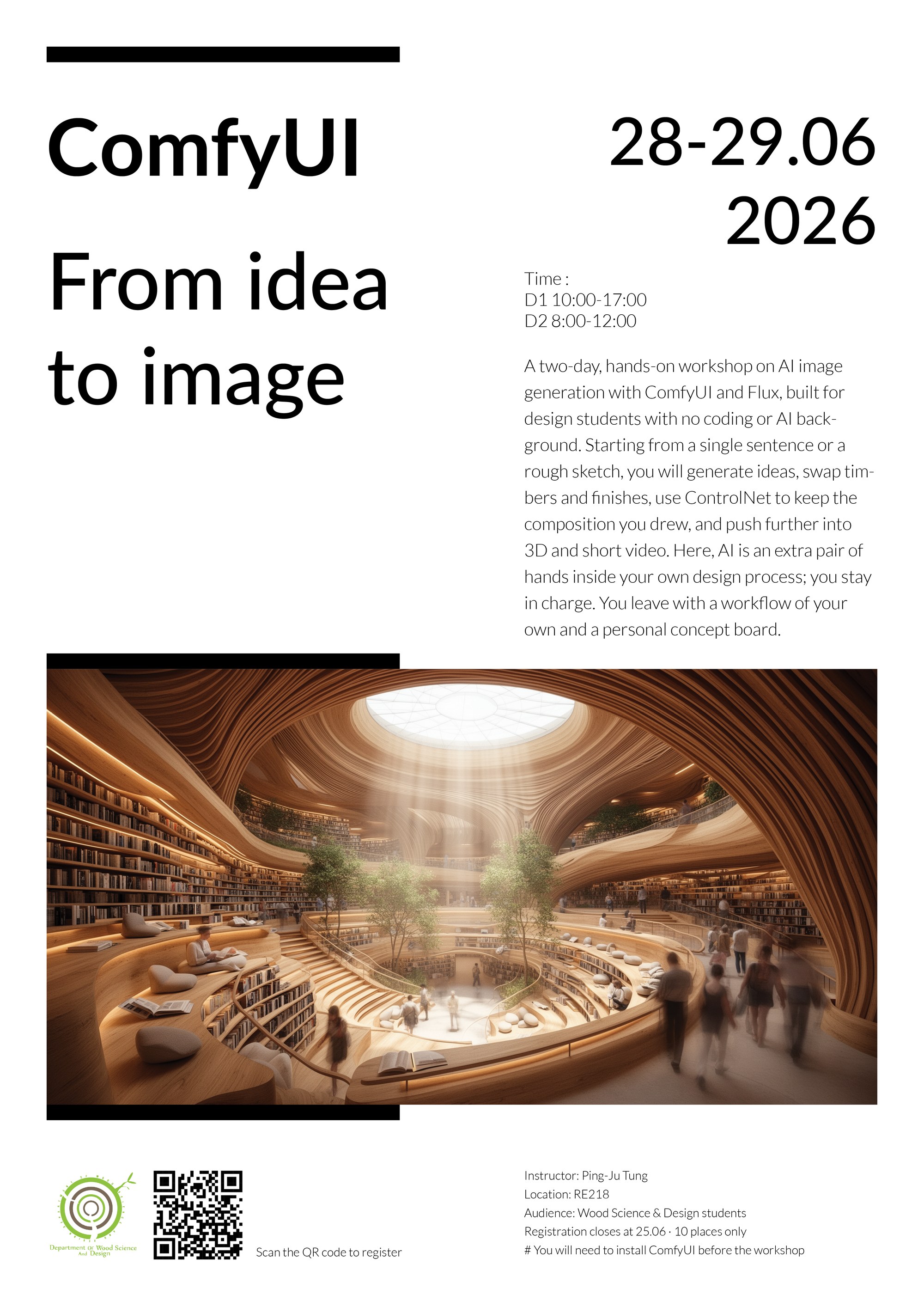
A two-day hands-on workshop on AI image generation, taught to students in the Department of Wood Science and Design at NPUST, the department I graduated from. Nine students registered, none of whom had used ComfyUI before. The registration form doubled as a hardware survey, and reading it the day before delivery took the practical material down from FLUX to SDXL, splitting the course into what students could run and what they could only watch.
Two days at National Pingtung University of Science and Technology, 28 and 29 June 2026, teaching AI image generation to the Department of Wood Science and Design. I graduated from that department in 2023, so this was a return visit.
Nine students registered against a ten place cap. None had used ComfyUI before.
The registration form doubled as a hardware survey, and reading it the day before rewrote the course. Of the nine machines, one could run the FLUX baseline the course was built on; three had no discrete GPU. So I re-cut the three hands-on workflows to SDXL and moved FLUX into demonstration, joining the image-to-3D and video sections, demo-only from the start. Everyone got the same portable build, install instructions in five tiers keyed to each student’s reported card, and integrated graphics on the CPU launcher.
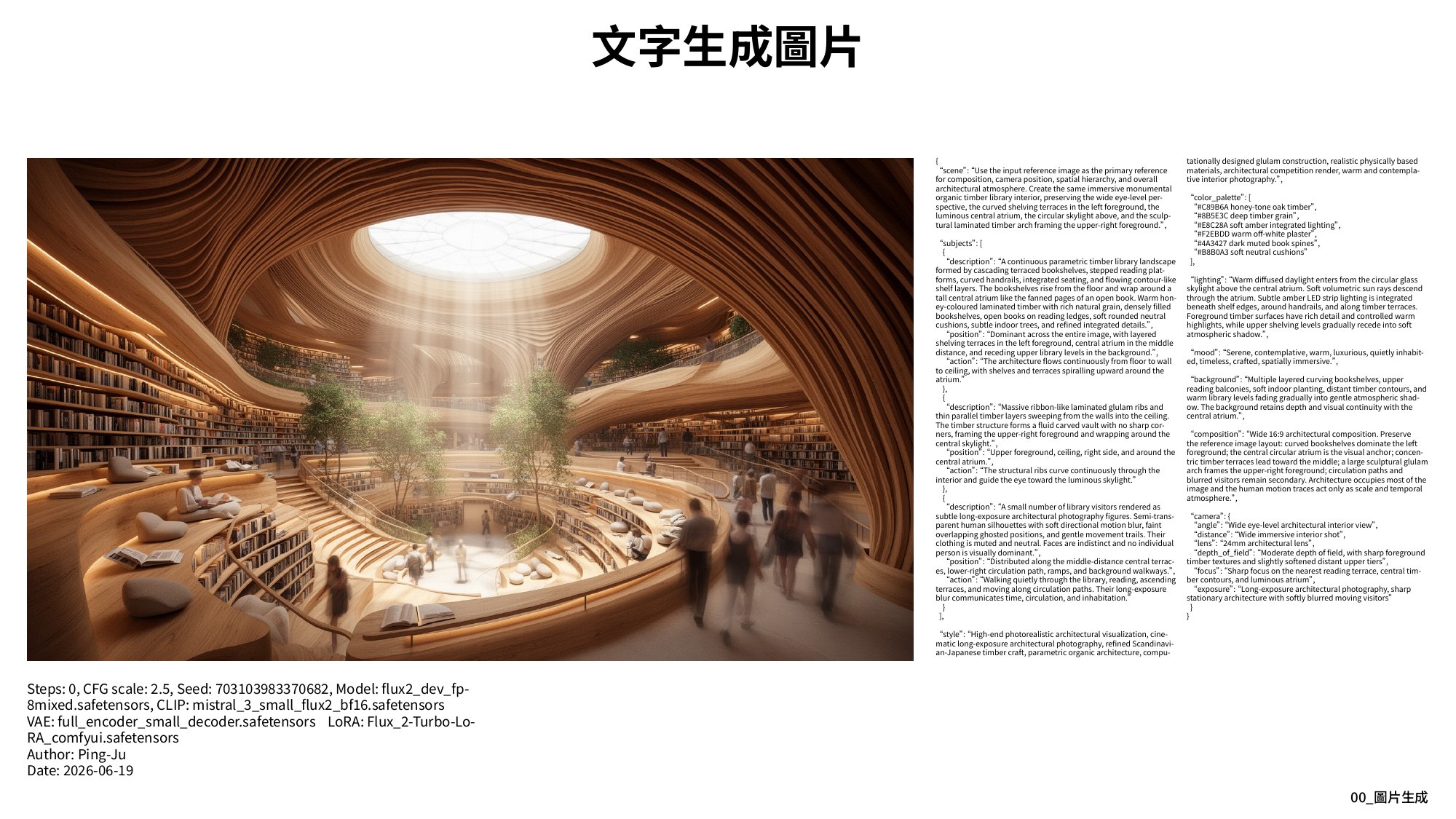
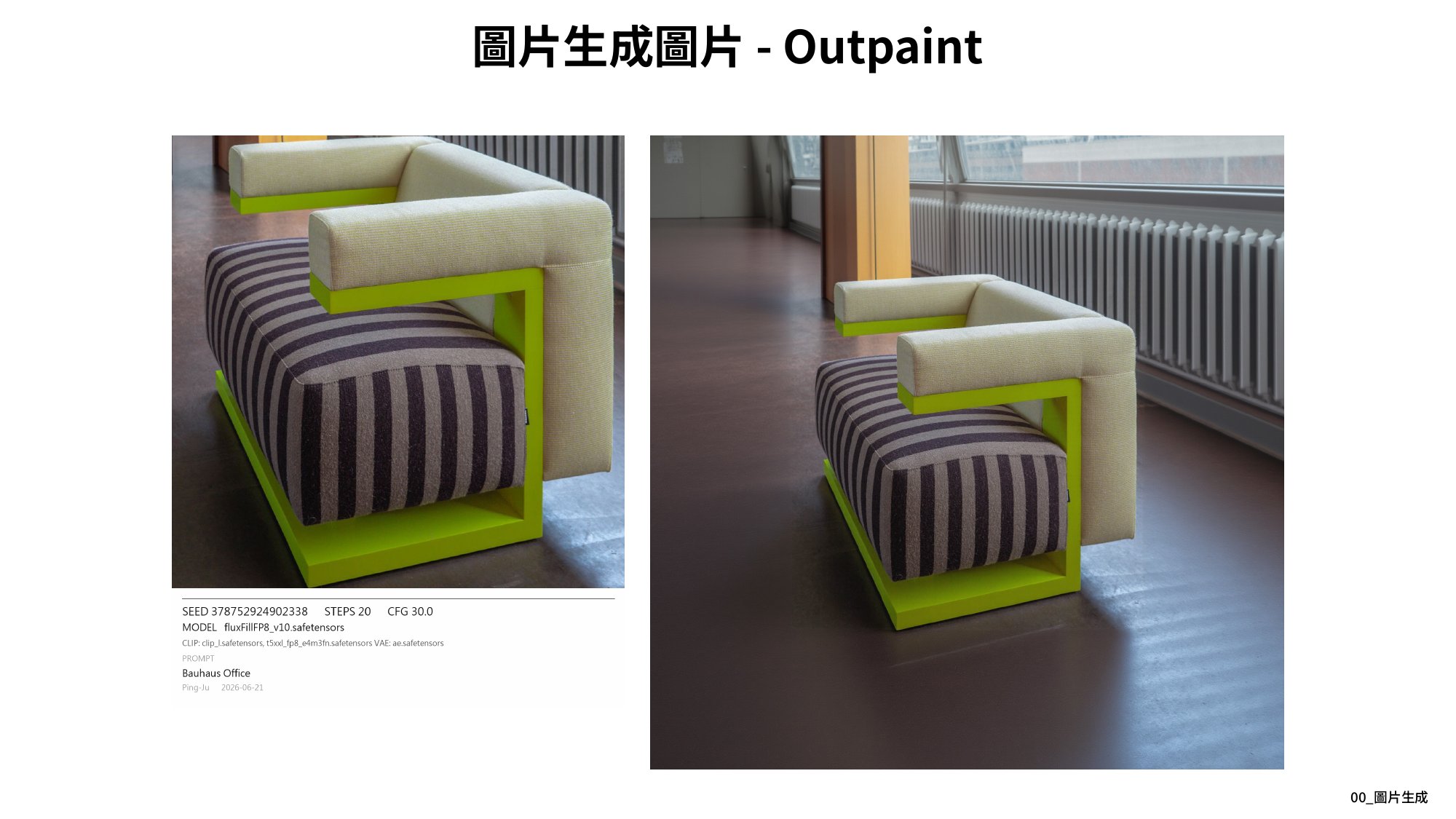
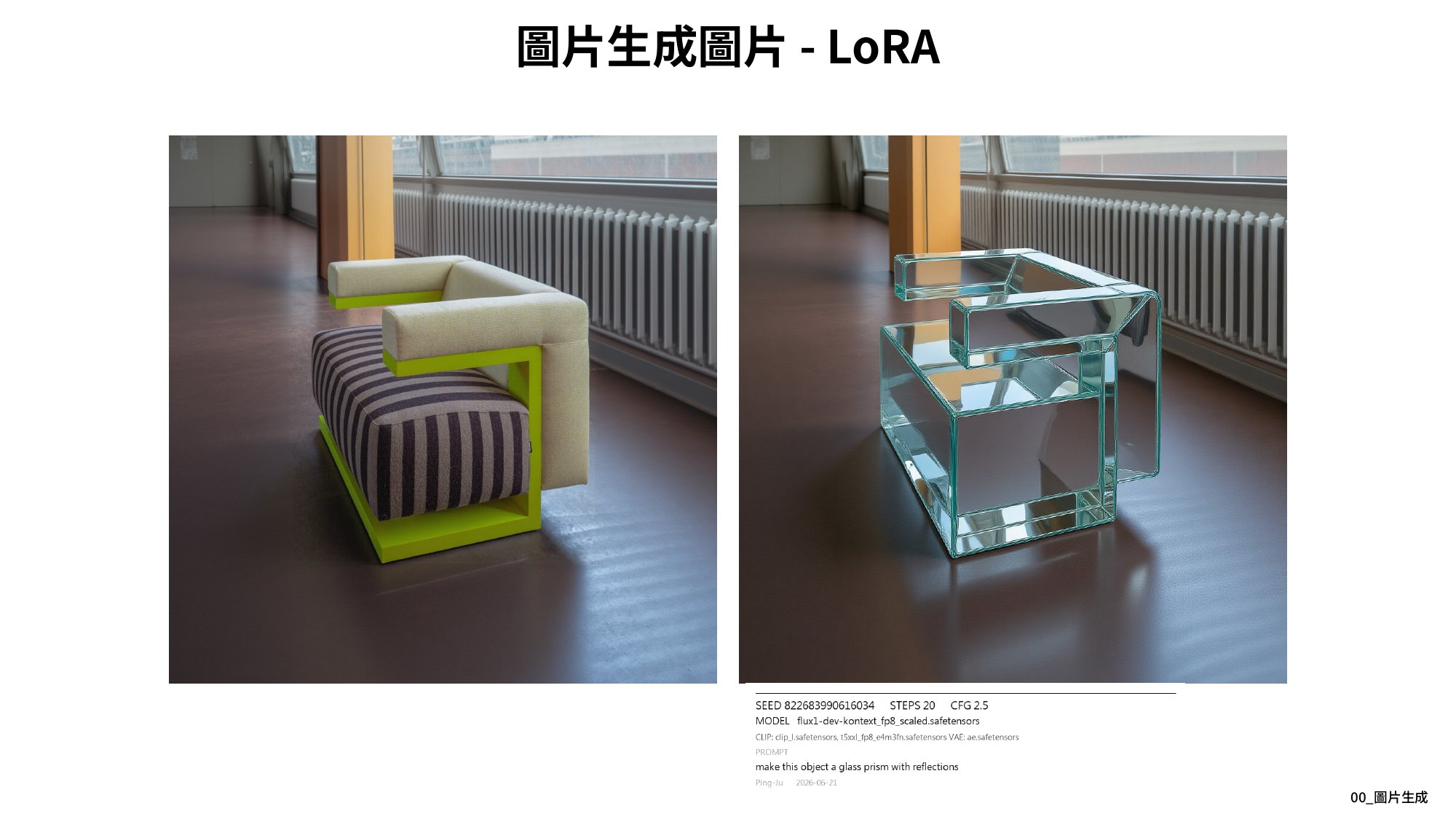
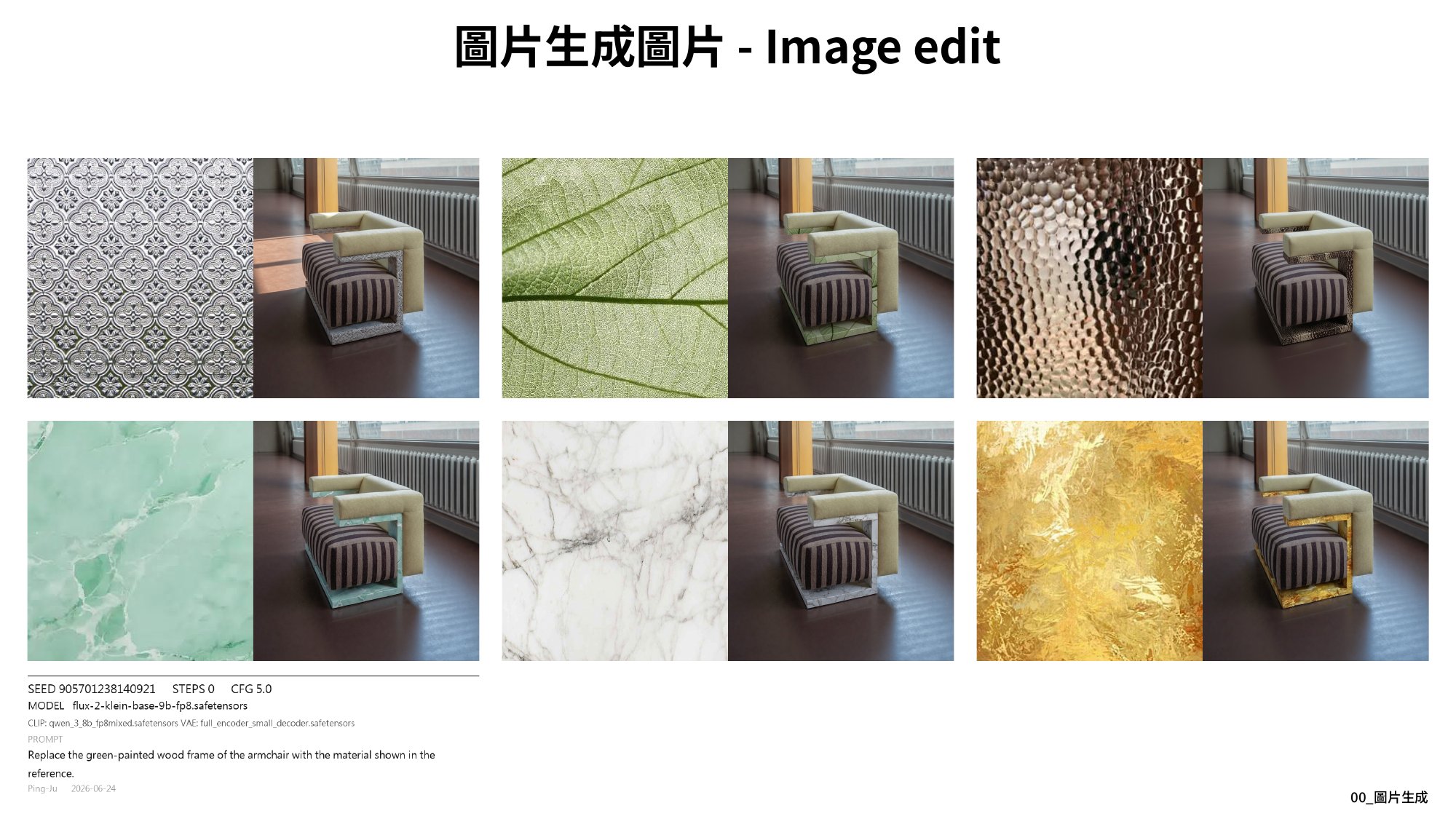
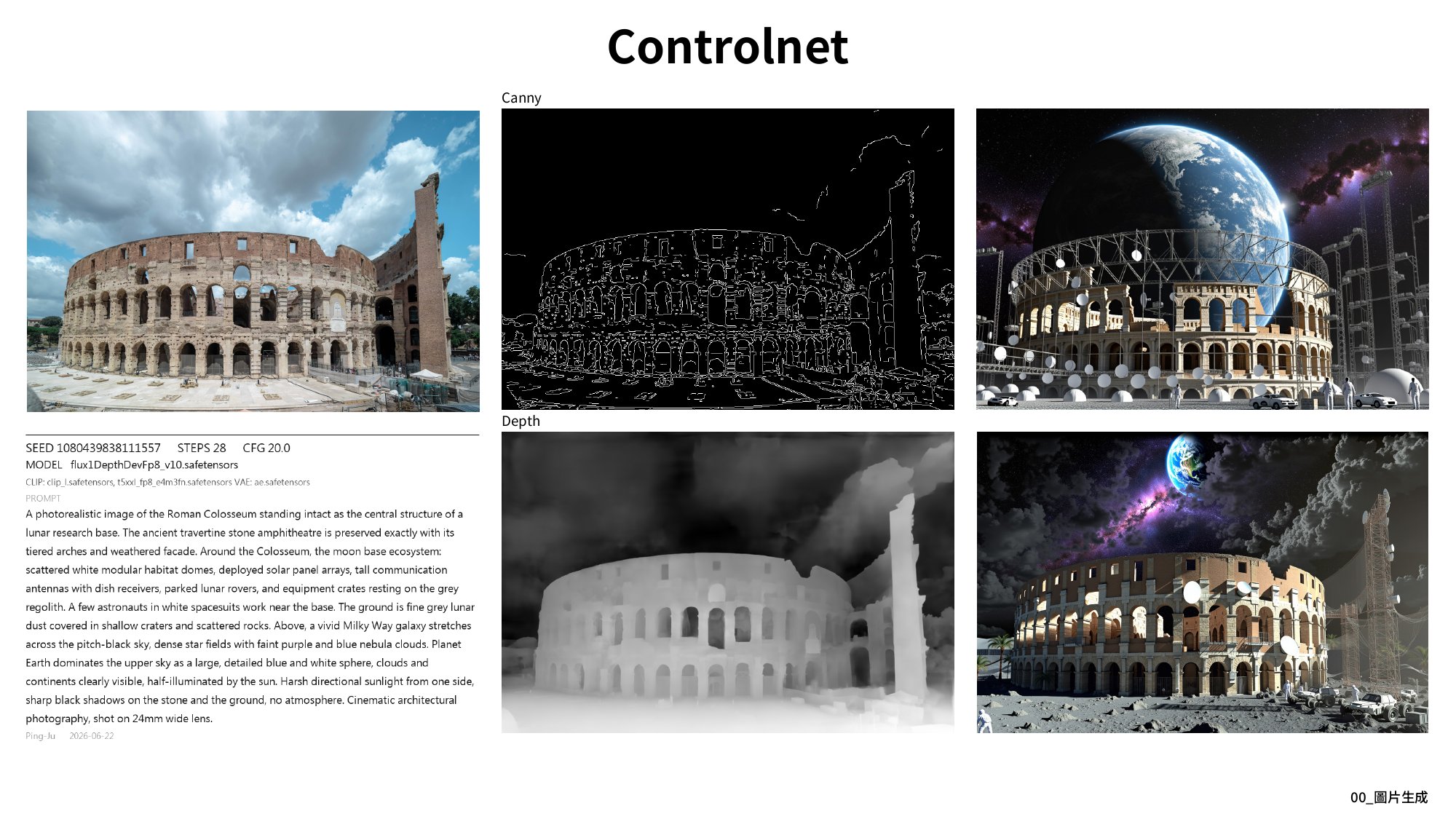
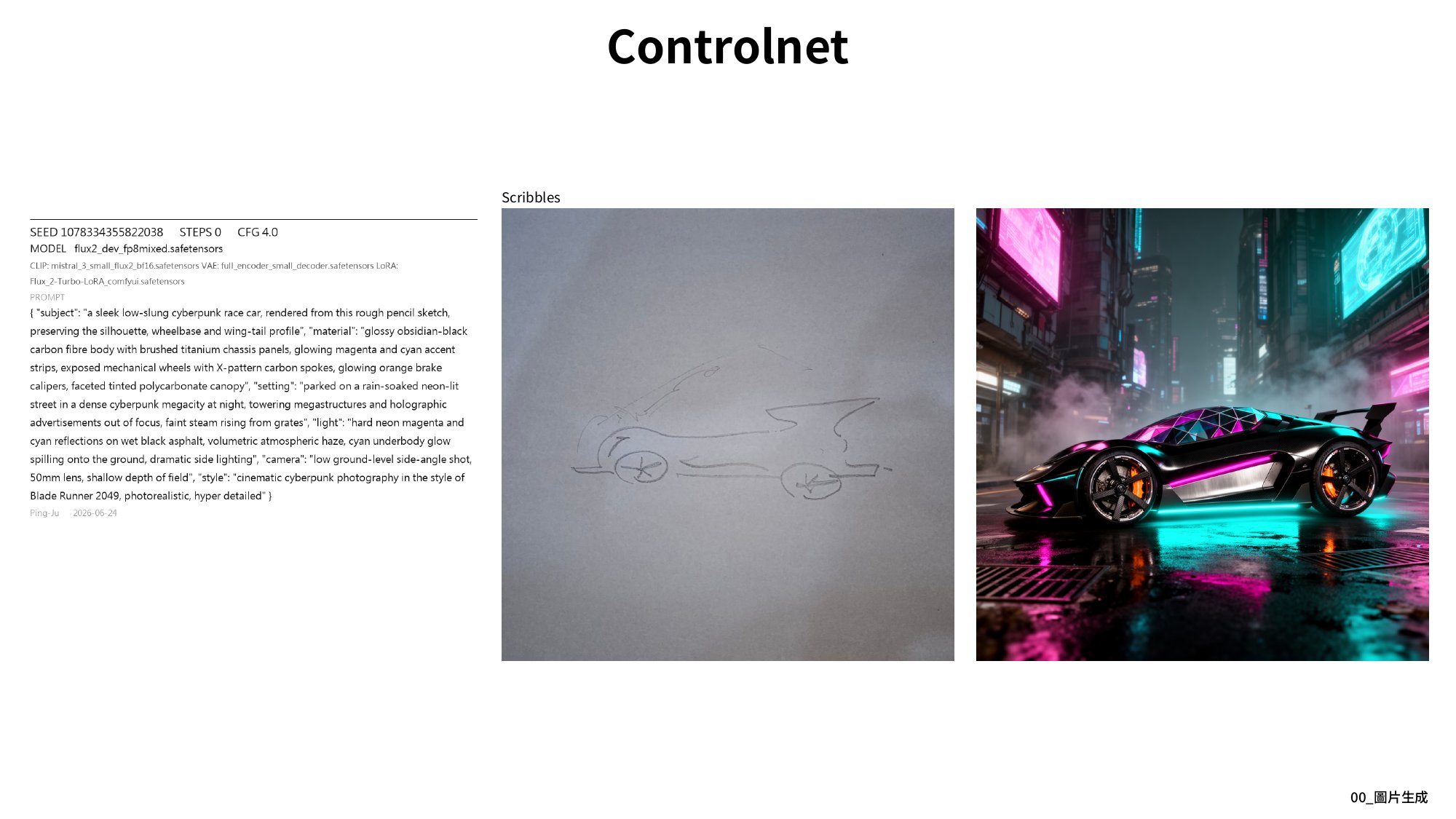
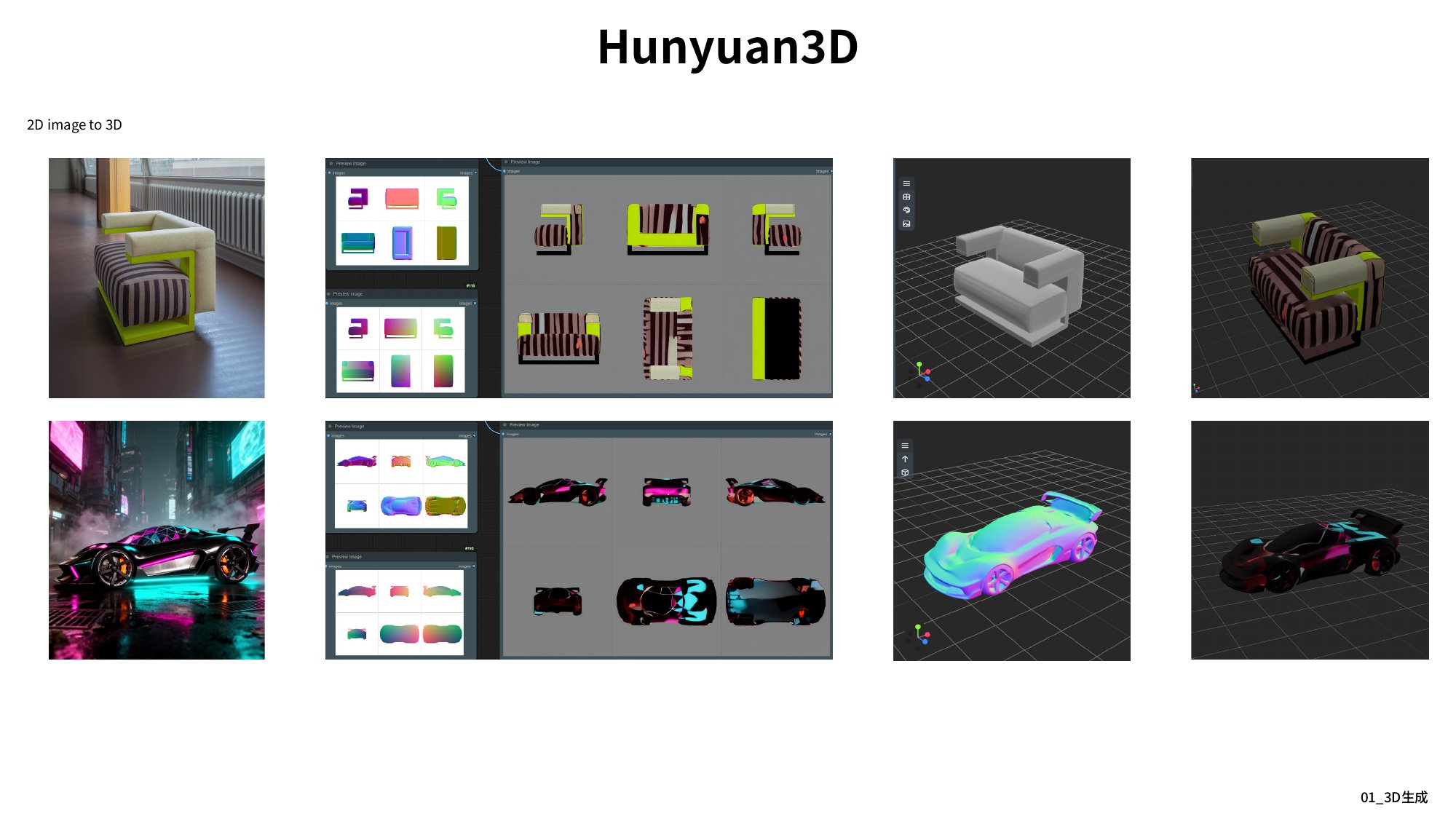
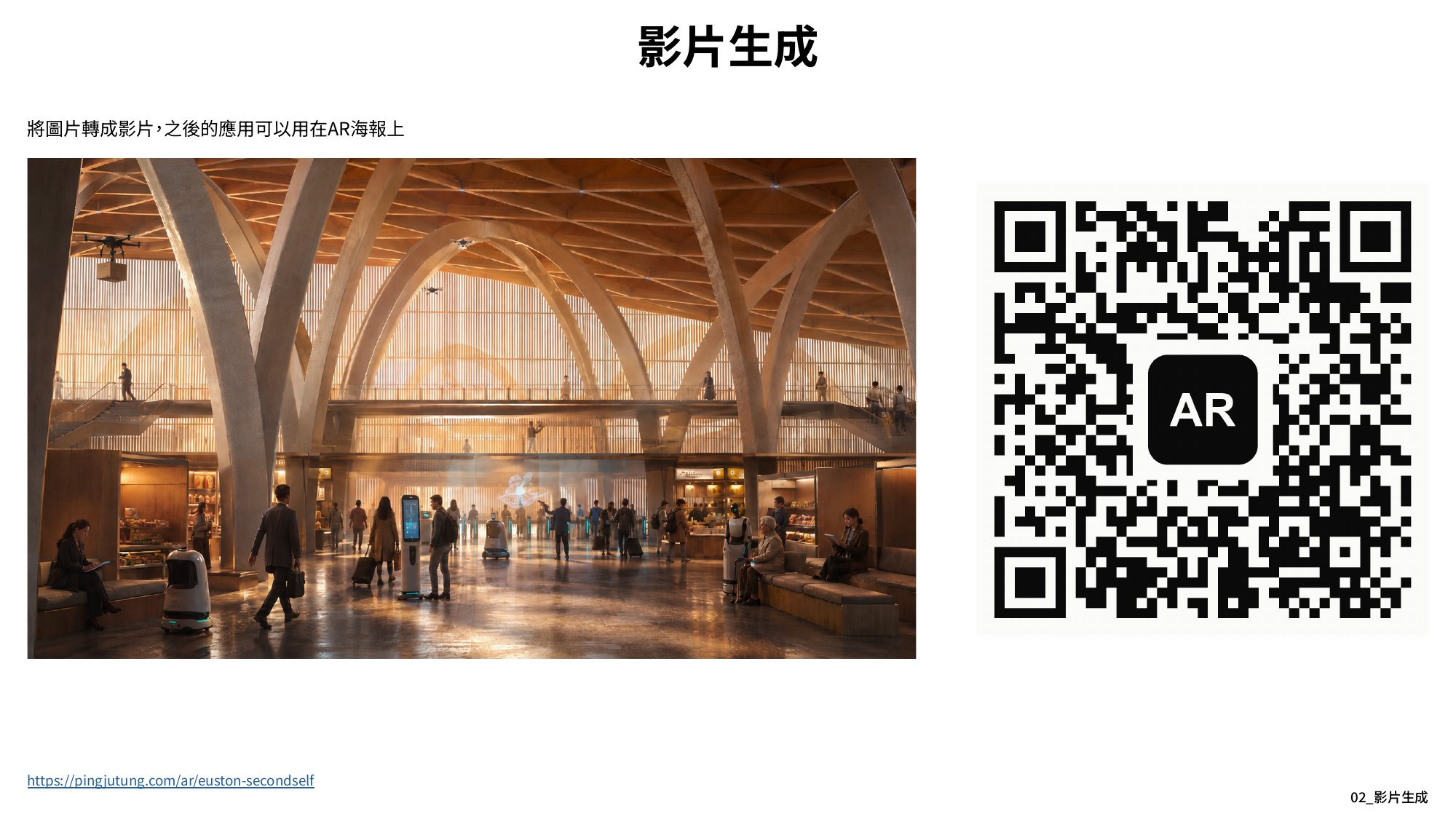
The spine of the teaching is a six-slot prompt grammar: subject, material, setting, light, camera, style. I taught it twice on one example, an intact Colosseum on a lunar base, as a sentence and as JSON, to show the two carry the same information. It returns under ControlNet, rebuilt on the moon from the canny edges and depth map of a photograph of the real one. In between sit CFG, sampler, step count, and material replacement: one armchair re-rendered from six swatches. The last two teaching sections change the output, not the input: an image becomes a 3D mesh, then a video.
I also wrote a ComfyUI node for it, Save Image + Params, which writes the whole workflow into the PNG metadata and renders a parameter card beside each output. Most of the cards here are its work, and because the graph travels inside the file, those images can be reopened in ComfyUI and rerun.
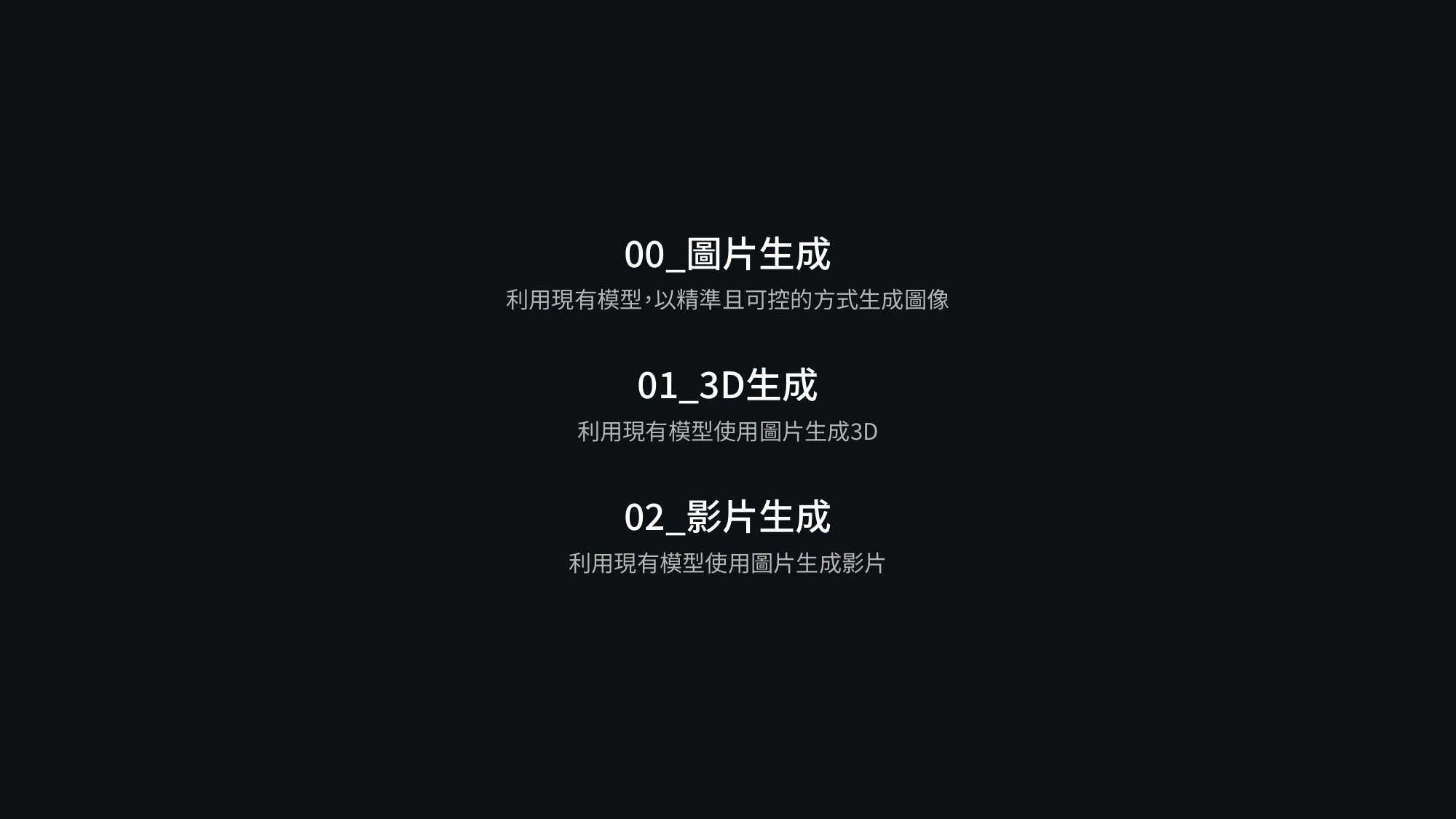
Selected deck pages are below.
Supplementary