Augmented Reality
The poster, in motion.
An AR companion to my Euston SecondSelf thesis: a printed poster that comes alive through your phone. Point your camera at the images and they play as video, in place.
Launch AR →Best on a phone, in Safari or Chrome. You will be asked to allow camera access.
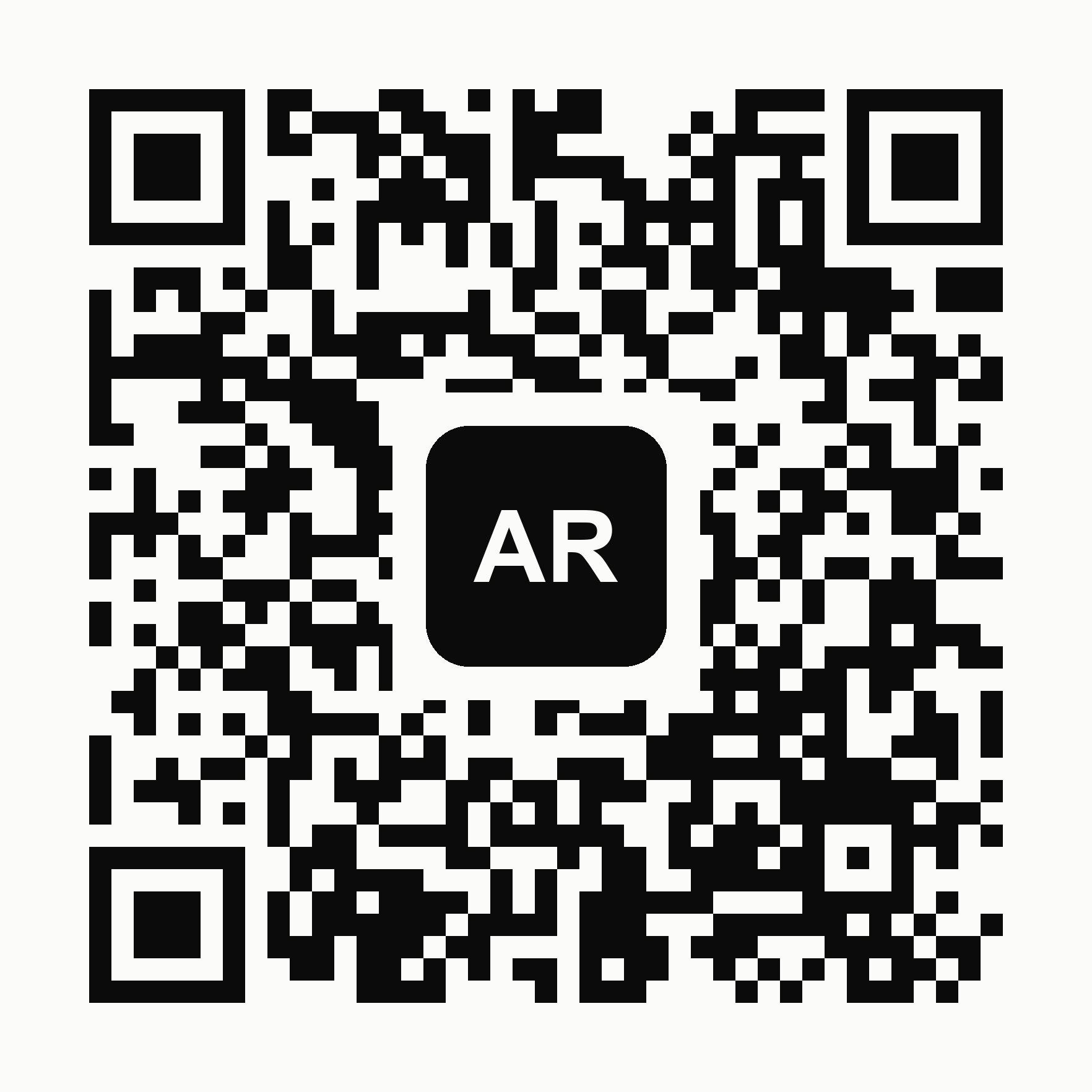
On a computer? Scan this with your phone to open the AR.
How it works
- 1 Open this page on your phone, or scan the QR code on the poster.
- 2 Tap Launch AR and allow camera access.
- 3 Point your camera at the images on the poster.
- 4 They play in place. Tap the sound button to unmute.
The poster
Point your phone at this poster to start. Tap it to enlarge for scanning.

Preview
A look at what the AR shows, for when you are not in front of the poster.
Trouble starting the camera? Use Safari or Chrome, allow camera access, and make sure the address starts with https.